

Edit your POD HD on Mac, iPhone and iPad.
KidneyHD Edit is a native editor for Line 6 POD HD pedals. Build presets, move blocks, assign footswitches and save to the pedal from your Mac, or pick up your iPhone or iPad and keep editing.
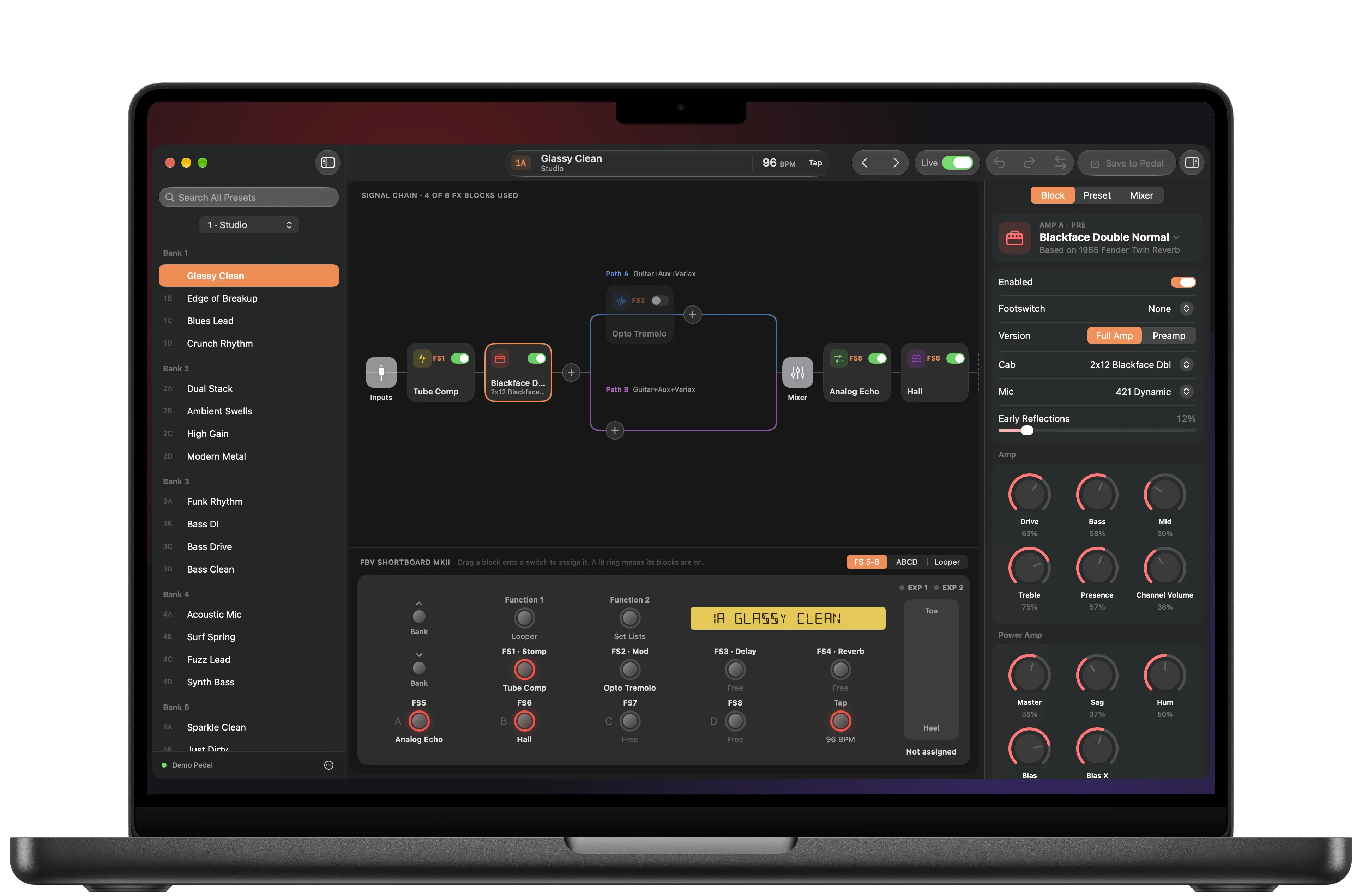
Everything on the pedal, on a bigger screen.
The editor follows the POD HD's rules for block positions, paths and footswitches, so a preset plays on the pedal the way it looks on screen.
The signal chain, drag and drop
Drag effects and amps between Pre, Paths A and B, and Post, the same places the pedal allows. Move blocks around the amp, split or join the paths, and clear a block to free its DSP.
Every model, with its gear
Pick from every amp, cab, mic and effect on your pedal, with the original gear each one is based on. Model packs your pedal has not activated show as locked.
Footswitches like your controller
The pedal view looks like your HD500 or HD500X, or like the FBV Shortboard MkII, FBV 3 or Express MkII on an HD Desktop, HD Pro or HD Pro X. Drag a block onto a switch to assign it.
Live edits and backups
Hear every change as you make it. Compare with the saved preset, undo anything, and save to any slot. Before KidneyHD writes over a preset, it saves a copy.
Your files, from any POD HD
Open presets, setlists and bundles from the HD500, HD500X, Desktop, Pro and Pro X, or double-click them in the Finder. Export in your pedal's own format.
Shortcuts, Help and Handoff
Keyboard shortcuts cover the main commands, and the manual is in the Help menu. Handoff moves your session from the Mac to your iPhone or iPad. The apps follow light and dark mode and label their controls for VoiceOver.
Keep editing on iPhone and iPad.
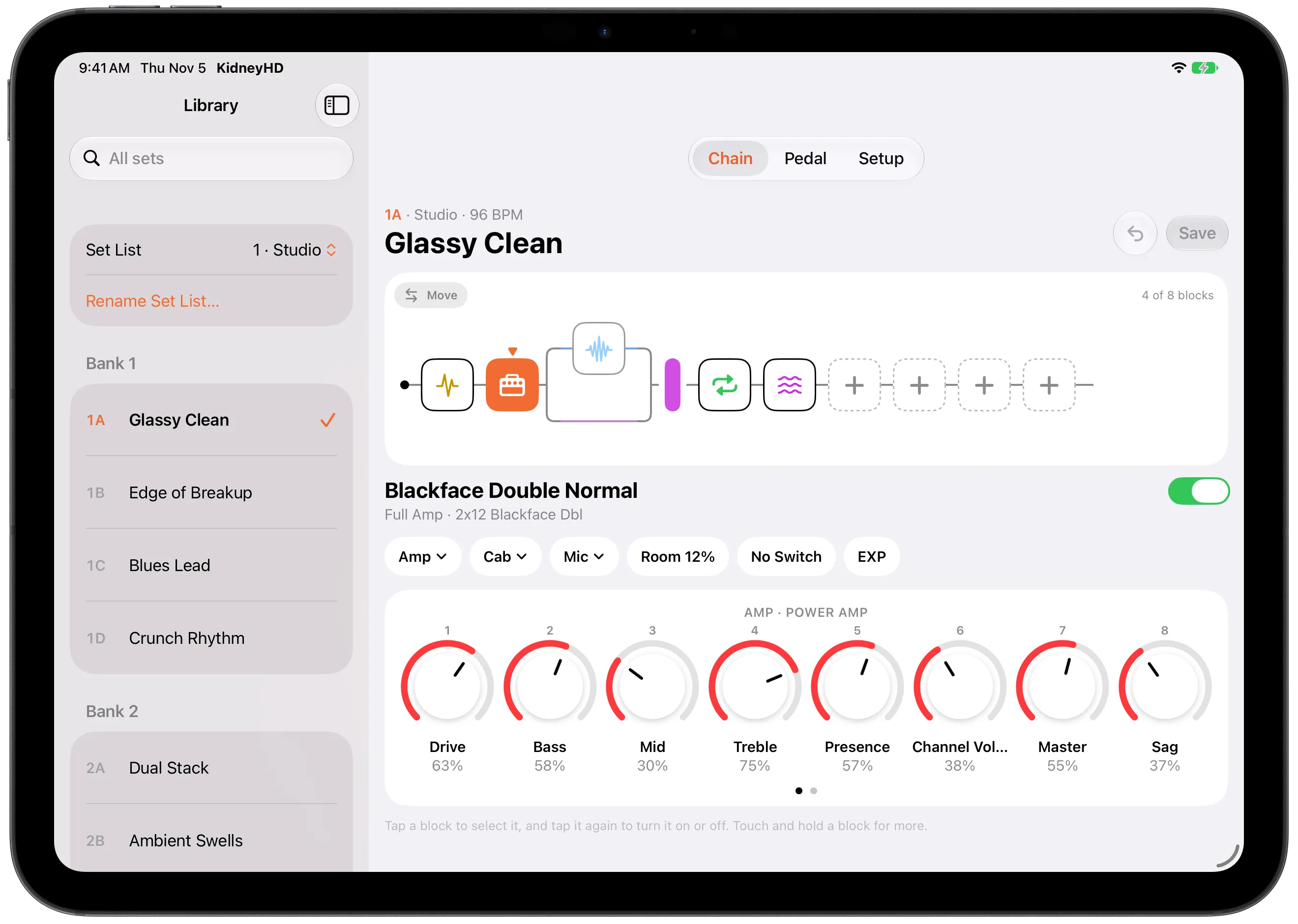
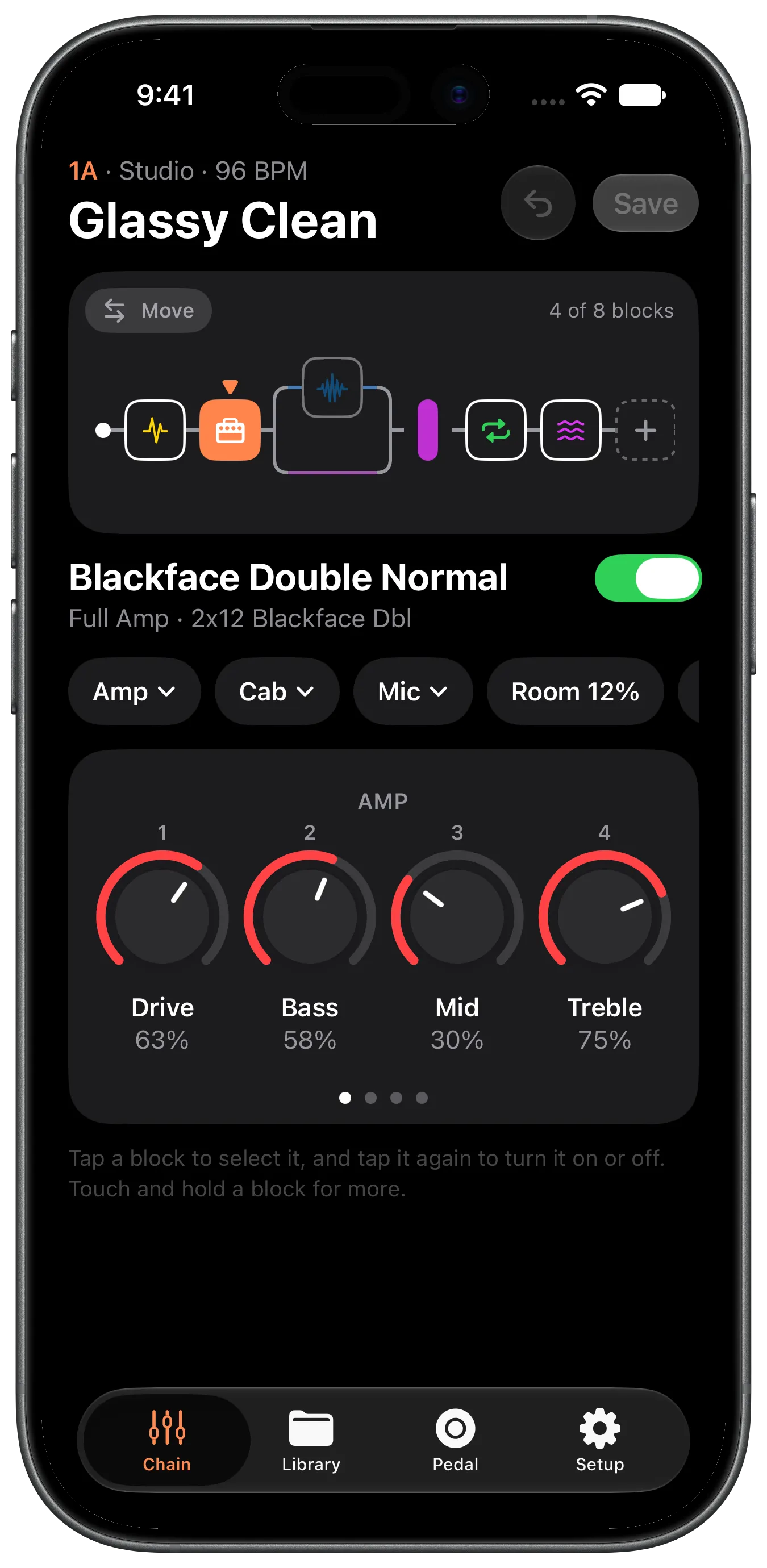
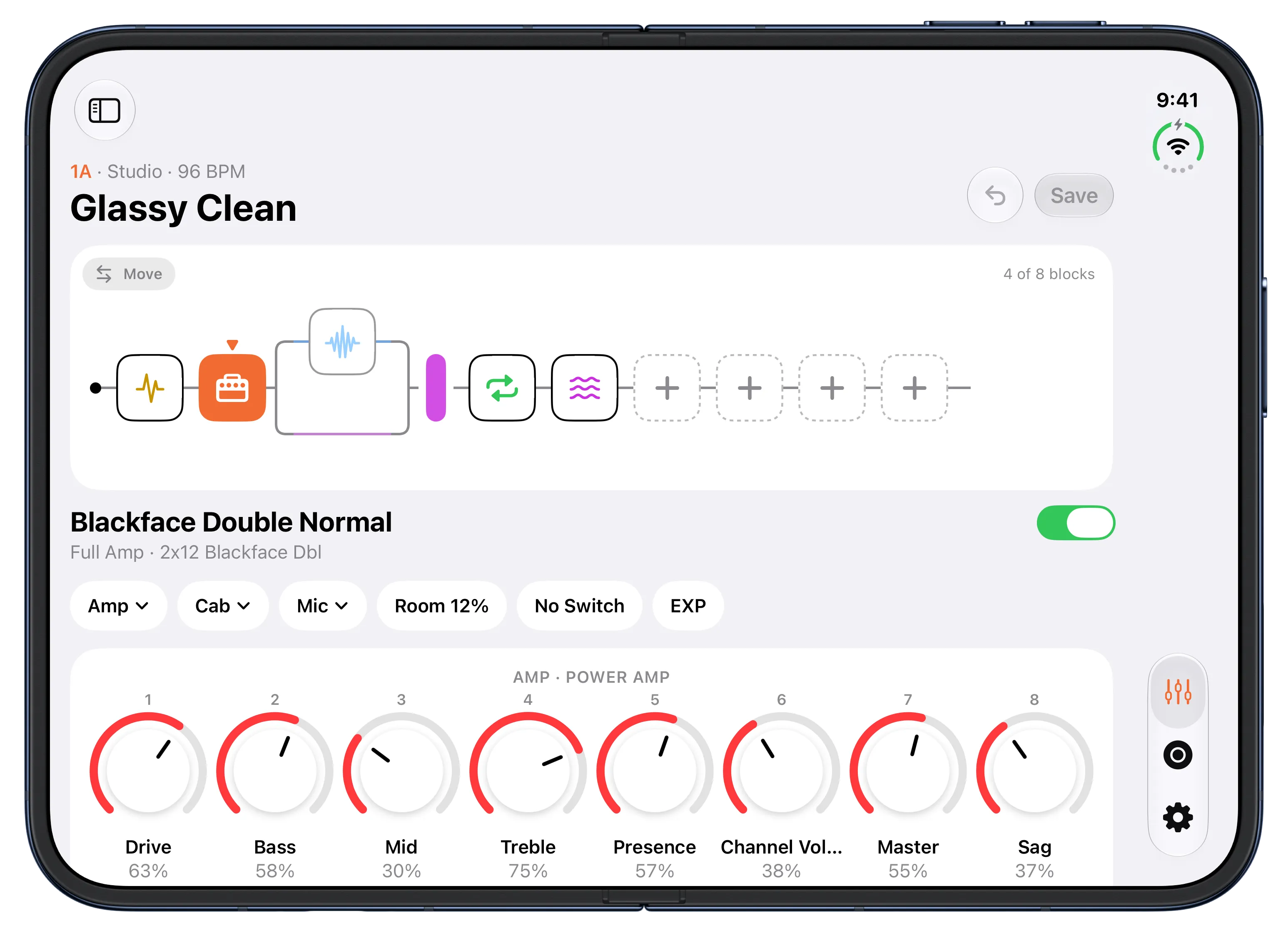
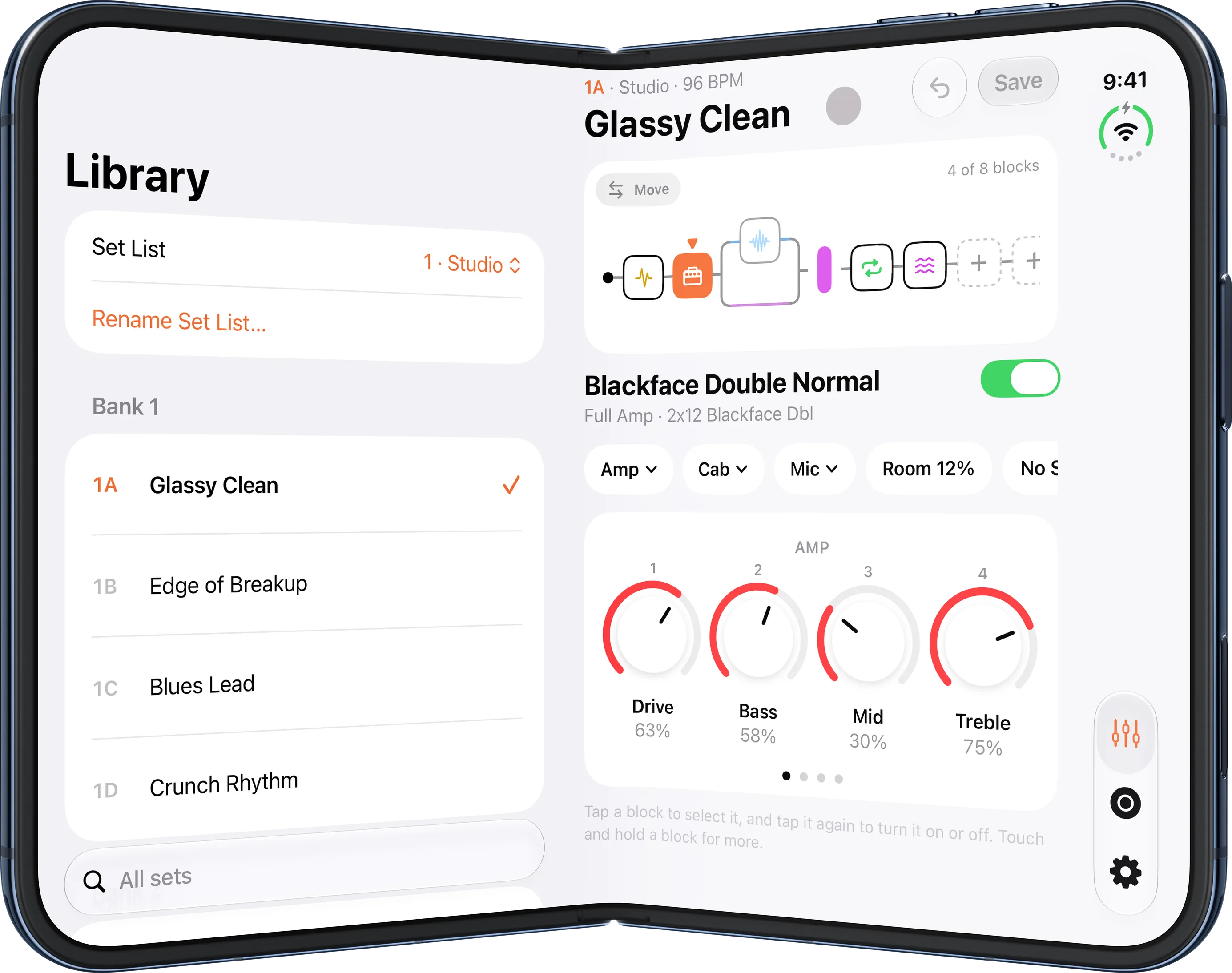
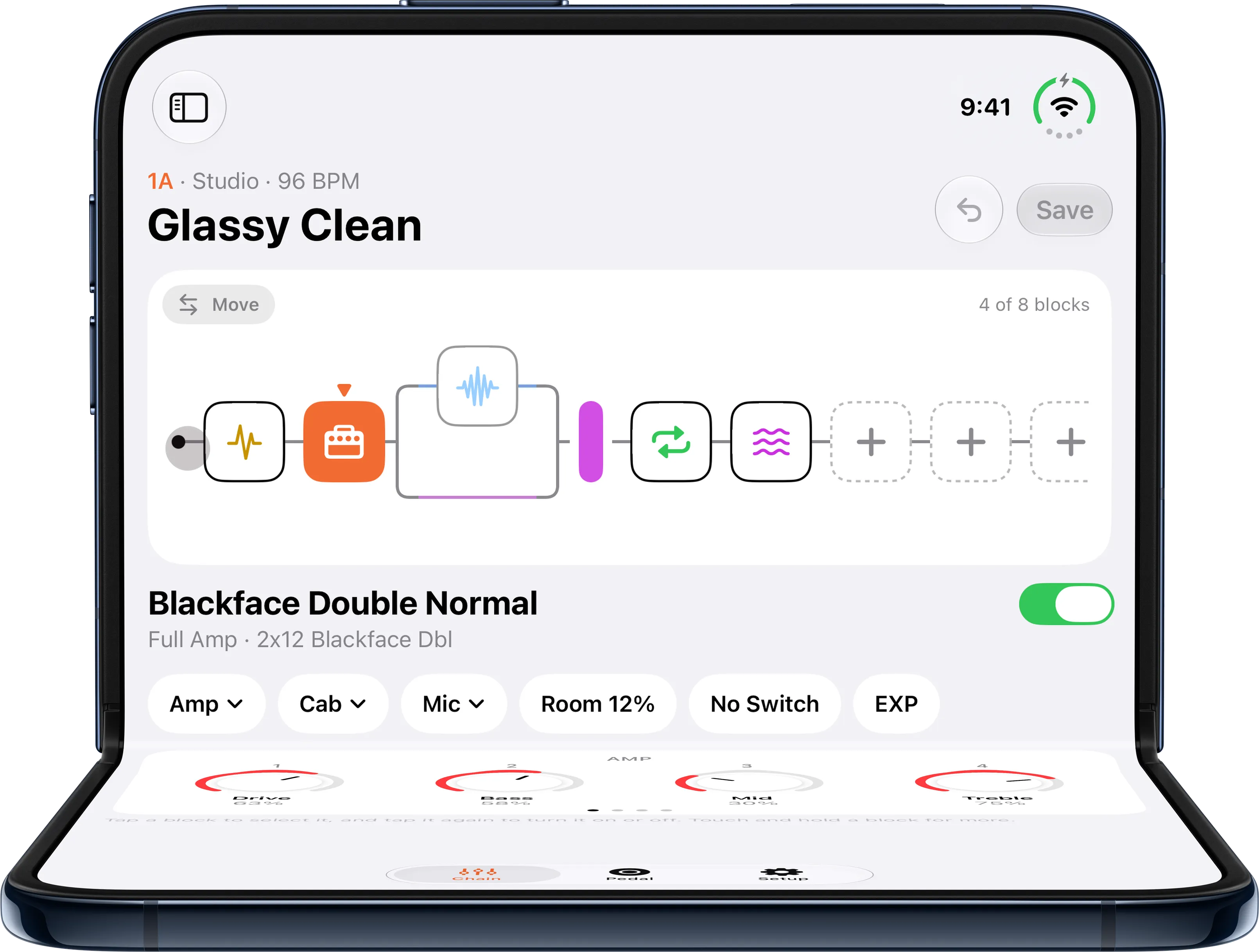
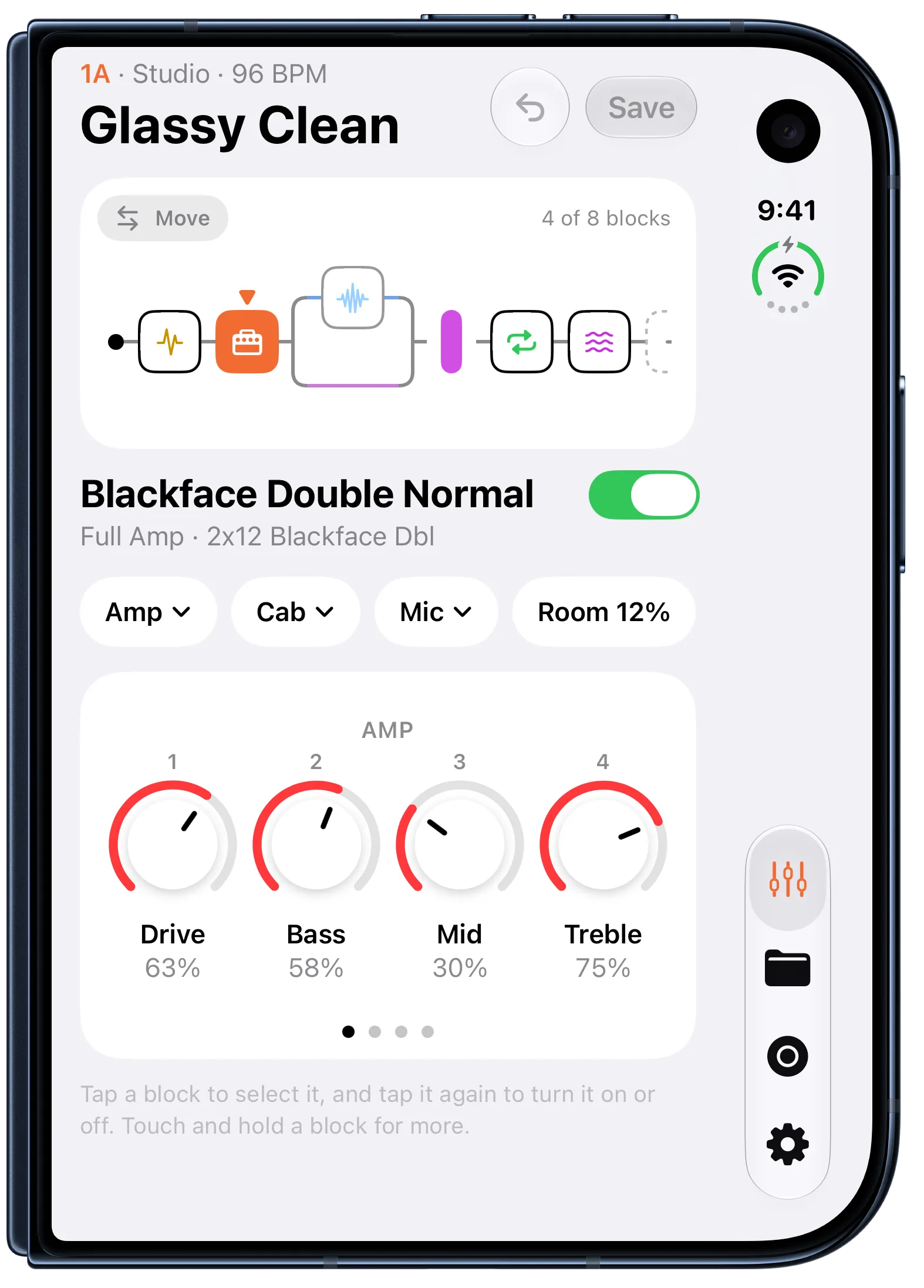
KidneyHD for iPhone and iPad edits the pedal through your Mac over your local network. Pair once with a code, and Handoff brings your Mac's session to your iPhone or iPad. The layout adapts to each screen and to every pose of iPhone Duo.
KidneyHD Audio
Line 6's driver doesn't load on current Macs without lowering their security. KidneyHD Audio makes your POD HD a USB sound card again: 48 kHz, 24-bit stereo in and out, with no kernel extension and no Line 6 software. It keeps the editors working while audio plays. It is free and open source.
Supported pedals
| Pedal | KidneyHD Edit | KidneyHD Audio |
|---|---|---|
| POD HD Desktop | Tested | Tested |
| POD HD500 | Expected to work | Expected to work |
| POD HD500X | Expected to work | Expected to work |
| POD HD Pro | Expected to work | Expected to work |
| POD HD Pro X | Expected to work | Expected to work |
KidneyHD Edit needs macOS 15 or later. KidneyHD for iPhone and iPad needs iOS or iPadOS 18 or later and a Mac running KidneyHD Edit with Sharing on. KidneyHD doesn't support the HD300 and HD400.